Assistive Technology for Speech-Language Pathologists & Occupational Therapists
Short answer: Speech-language pathologists and occupational therapists use reading pens to give clients independent access to print during therapy and daily living tasks, pairing read-aloud with decoding, vocabulary and functional reading goals.
Key takeaways
- A reading pen is a handheld scanner that reads printed text aloud, so a client can access print without a human reader. Therapists can use it as one tool within a broader plan.
- Reading pens are an assistive technology (AT) aid. They do not diagnose, treat or cure a condition, and results vary from person to person.
- Standalone pens work on paper worksheets and books with no tablet, which makes them easy to carry between clinic, classroom and home.
- Privacy features differ by model. Check each pen's connectivity and data storage with your employer, school or privacy officer before using it with client materials.
- Funding often runs through a school plan or a health plan, and rules vary. Verify requirements with the school, insurer or Medicaid office.
This guide is general information for professionals and families. It is not clinical, legal or medical advice. Therapists should follow their own licensing board, employer and school policies, and families should talk to their clinician before choosing a device.
Why Assistive Technology Is Essential for SLPs & OTs
Assistive technology (AT) is essential for Speech-Language Pathologists (SLPs) and Occupational Therapists (OTs) because it provides the core clinical and educational tools needed to assess, augment, and restore functional communication and reading independence.
The American Speech-Language-Hearing Association (ASHA) explicitly outlines that knowing how to select and implement Assistive Technology and Augmentative and Alternative Communication (AAC) is a core professional responsibility for all practicing SLPs. Similarly, occupational therapists utilize assistive tech to dismantle cognitive, sensory, and motor barriers across educational and clinical environments.
In everyday terms, a reading pen is one of the simplest AT tools to add to a session. It is portable, uses ordinary printed materials and needs very little setup. For an overview of how these devices work, see what a pen scanner is and reading pens.
Clinical Pain Points & Therapist Needs
Although assistive technology can help many learners, therapists consistently face substantial operational hurdles:
- Limited Access to AAC and AT Training: Many SLPs report feeling underprepared to select and configure high-tech assistive devices for complex caseloads.
- Inconsistent Delivery Across Settings: Therapy gains often diminish when assistive tools cannot transition seamlessly between clinical offices, school classrooms, and home environments.
- Heavy Caseloads & Limited One-on-One Time: Therapists require intuitive tools that clients can use independently between therapy sessions without constant supervision.
- Ethical Concerns & Long-Term Usability: OTs must ensure that assistive devices foster genuine autonomy and fine-motor control rather than creating long-term dependence on cumbersome hardware.
The training gap is a reason to keep device choices simple. A single-purpose, standalone reading pen has fewer settings to configure than a tablet with several apps, which can make it easier to train a client, a parent and a teacher on the same tool. The evidence for any individual device varies, so base decisions on your own assessment and trial data.
How C-Pen Reader 2 Supports Therapy Goals
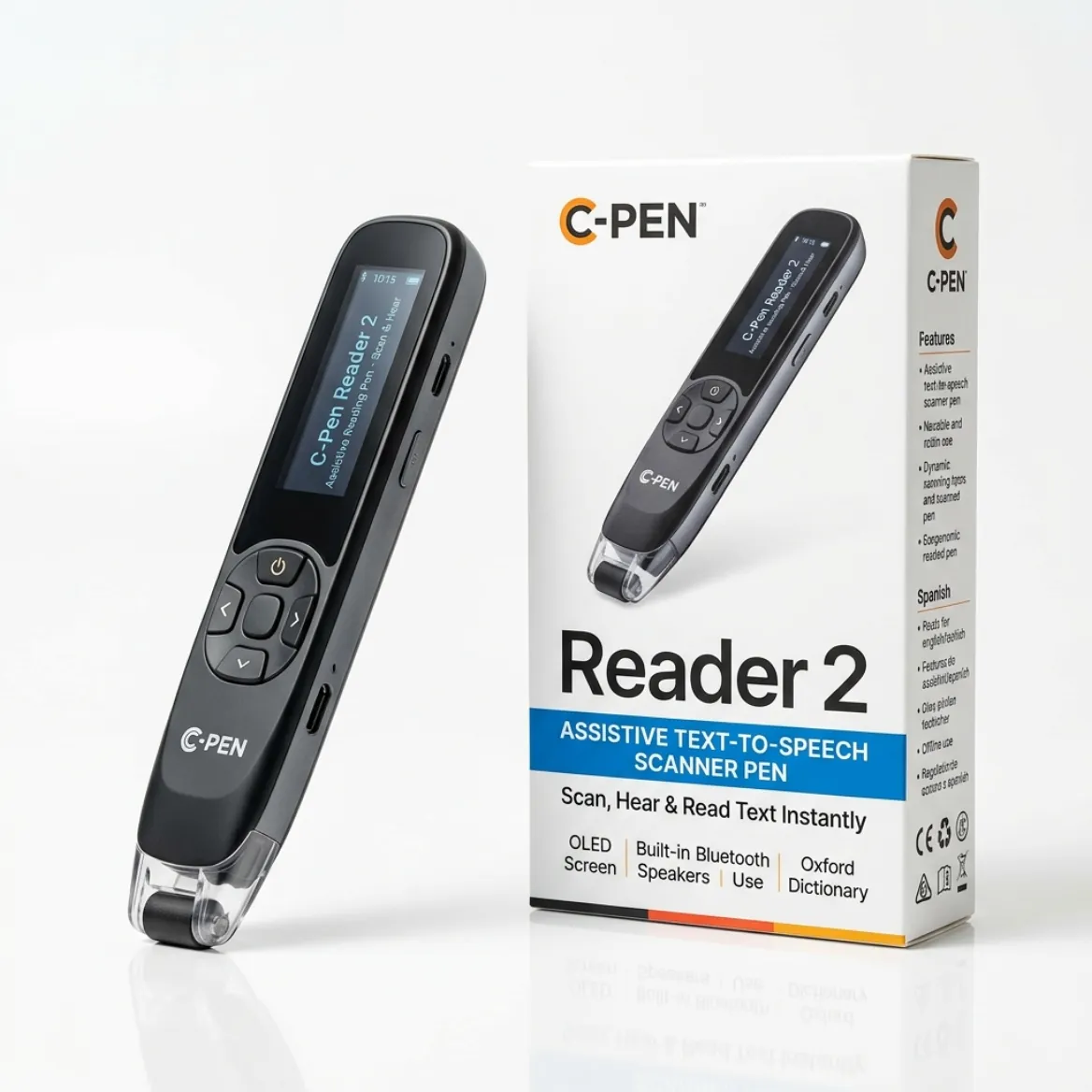
The C-Pen Reader 2 provides a self-contained, highly accessible therapeutic solution for speech and literacy development:
- Instant Text-to-Speech (TTS): Reads printed text aloud, lifting decoding burdens and supporting phonological awareness, fluency, and speech rhythm.
- Built-in Cambridge Dictionary: Facilitates real-time vocabulary acquisition and semantic understanding without requiring a computer or phone.
- Practice Mode: Reinforces pronunciation, word repetition, and spaced recall for targeted articulation and decoding therapy.
- 100% Offline Security: Requires no Wi-Fi or data connection, satisfying strict institutional privacy regulations in therapy clinics, hospitals, and schools.
- Dual-Sensory Reinforcement: Synchronously combines auditory input with printed text tracking, which many therapists use to support comprehension.
The C-Pen Reader 2 is listed in our catalog in the $200 to $399 band, with offline AI-based OCR, natural text-to-speech, a Cambridge dictionary, voice memos and USB-C charging. Its best fit is primary and secondary school literacy, and it is slimmer for younger users. It is not designed for formal exams or foreign-language translation. These descriptions of benefits are what the manufacturer and users report, so treat them as features to test with your client, not guaranteed outcomes.
How C-Pen Reader 3 Enhances Advanced Interventions
The next-generation C-Pen Reader 3 expands clinical capabilities with modern digital features:
- Interactive Touchscreen Interface: Visually highlights individual words as they are spoken, providing clear visual tracking for clients with processing or ocular-motor delays.
- Voice Memo & Audio Recording: Allows students to record their own expressive speech, perform articulation self-checks, and capture therapist instructions.
- Multilingual Support (40+ Languages Online): Enables SLPs to support English Language Learners (ELL) and bilingual households with authentic accent synthesis.
- Wireless Bluetooth & Wi-Fi: Connects seamlessly to wireless earbuds, classroom amplification loops, and automated cloud firmware updates.
- Gamified Literacy Practice: Increases therapy engagement and self-directed practice for reluctant or anxious readers.
The C-Pen Reader 3 sits in the $400+ band in our catalog and lists a 2.3 inch touchscreen, about 3 GB of storage, a voice recorder, USB-C charging and five offline reading languages (English, French, Spanish, Italian and German), with a longer language list online. It is aimed at daily literacy support at home, school and work, but it is not intended for formal exams because its dictionary and storage are active.
Because the Reader 3 stores files and uses online features for its extended language list, it is a different privacy picture from the offline Reader 2. If you plan to use either pen with client material, ask your privacy officer how the device should be set up.
Occupational Therapy: Promoting Independence in Daily Living
Occupational therapists leverage scanning pens to help pediatric and adult clients overcome motor, visual, and cognitive barriers in daily life:
- Lightweight, Pen-Grip Ergonomics: Strengthens fine motor grip and hand-eye coordination for individuals with dyspraxia, cerebral palsy, or hand tremors.
- Intuitive Graphical Menus: Enables clients with executive functioning or cognitive differences to navigate settings independently.
- Audio Boost & Headphone Output: Delivers clear acoustic feedback in noisy clinic rooms, sensory gymnasiums, or busy classrooms.
- Functional Independence: Allows clients to read medication labels, grocery lists, bills, and job training manuals without relying on a human caregiver.
Whether a pen helps a particular client's grip, tracking or comfort is an individual question. An OT should check the pen's weight, shape and button layout against the client's hand function, and consider a trial before any purchase. Our catalog lists C-Pen Reader 3 at 72 g, for example.
Reading a medication label with a pen can be convenient, but it is not a substitute for pharmacist or clinician guidance. Clients should confirm doses and instructions with their pharmacist or prescriber, especially if a scan looks garbled.
Key Categories of Assistive Technology in Clinical Practice
Assistive devices fall into three synergistic categories across modern therapy plans:
1. Augmentative and Alternative Communication (AAC): Ranging from low-tech picture communication boards to high-tech speech-generating devices and apps that supplement or replace verbal speech.
2. Speech Amplification Systems: FM systems, personal sound amplifiers, and hearing loops that boost vocal intelligibility for clients with voice disorders or Parkinson's disease.
3. Access Technologies: Optical reading pens, adaptive switches, eye-gaze tracking, and specialized computer interfaces that empower individuals with severe motor challenges to engage with printed and digital media.
Reading pens belong in the third category, access technologies. They do not replace AAC or amplification, and a client may use several categories together. Decide what each tool is for in the plan and review that choice regularly.
Which reading pen fits which client need?
The best reading pen for a therapy setting depends on the client's age, goals, privacy needs and funding route. The table below summarizes catalog data for pens often considered in clinical and school settings. Use it as a starting point for a trial, not as a recommendation for any individual client.
| Pen | Best fit (catalog) | Connectivity | Points to check |
|---|---|---|---|
| C-Pen Reader 2 | Primary and secondary school literacy | Standalone, offline reading | Not for exams or translation |
| C-Pen Reader 3 | Daily literacy support at home, school and work | Standalone, with Wi-Fi and Bluetooth features | Dictionary and storage are active, so not for exams |
| RocketPen Reader | Dyslexia support with deeper built-in dictionaries | Standalone, offline reading | Syllable-break display; scans English and French |
| Scanmarker Max | K-12 classrooms and phonics practice | Standalone, Wi-Fi for some features | PIN-protected exam lock; higher price band |
| IRISPen Reader 8 | Privacy-first offline reading | Standalone, fully offline | Translation is not its strength |
| OrCam Learn Basic | Children and adults who want one-button reading | Standalone | Different form factor; check current pricing |
| C-Pen Secure Reader 2 | Data-sensitive settings | Standalone, offline | No scan-to-file or voice recorder, by design |
To compare more models on features and price band, use the interactive comparison tool. You can also browse the reading pen category.
How do you trial a reading pen in a therapy session?
Run a short, structured trial with clear goals before recommending a device. A trial gives you data about whether the pen is usable and helpful for that client. These steps are a general approach, so adapt them to your own protocols.
- Define the functional goal in plain language, such as reading a worksheet or a medication label independently.
- Choose a pen that matches the client's hand function, age and setting.
- Teach the scanning motion: pen flat on the page, steady slow stroke, lift at the end of the line.
- Practice with the client's own materials, not only practice texts.
- Record what you observe, such as the number of independent scans, errors and the client's comfort.
- Repeat the trial across settings if possible (clinic, classroom, home).
- Review the data with the client, family and school team before making a recommendation.
If scans are inaccurate, our pen scanner troubleshooting guide covers common causes such as speed, tilt and glare.
What are common mistakes when introducing a reading pen?
The most common mistakes are skipping a trial, handing over the pen with no training, and assuming it will be allowed everywhere. A short plan avoids most of them.
- Recommending a pen without checking hand function, vision and hearing.
- Not teaching the scanning motion, which leads to frustration and poor accuracy.
- Letting the pen replace reading practice entirely, when it is meant to support access alongside instruction.
- Ignoring privacy, storage and connectivity settings when client materials are scanned.
- Assuming the pen is permitted in exams. Check each model's exam status and the exam provider's rules.
Who is a reading pen for, and who should skip it?
A reading pen suits clients who can use a hand-held device and who benefit from hearing printed words read aloud. It may be less suitable for clients who need full-page reading, have limited hand function, or have a hearing or vision profile that calls for a different tool.
- May suit: clients with decoding difficulties (see pen scanners for dyslexia and the best reading pens for dyslexia), English language learners, and students who need access to worksheets and textbooks.
- Consider alternatives: clients with low vision who need full-page reading or magnification (see reading pens for low vision and seniors), clients who need AAC to communicate, and clients whose motor needs make pen grip difficult.
How are reading pens funded for clients?
Funding usually comes from a school plan, a health plan, or the family. Rules and outcomes differ widely, so no funding is guaranteed. Always verify with the school, insurer or Medicaid office.
Our guides explain the typical routes: insurance and Medicaid coverage for scanning pens and pen scanners for schools. A therapist's letter or evaluation can support a request, but approval is up to the plan, school or agency. For exam arrangements, see exam-approved reading pens.
Shop Clinical & Educational Assistive Reading Pens
Reading pens on Amazon that suit therapy and classroom use: Rocket Pen for decoding practice, Scanmarker Pro for standalone reading with dictionary, and IRISPen Reader 8 for fully offline sessions.
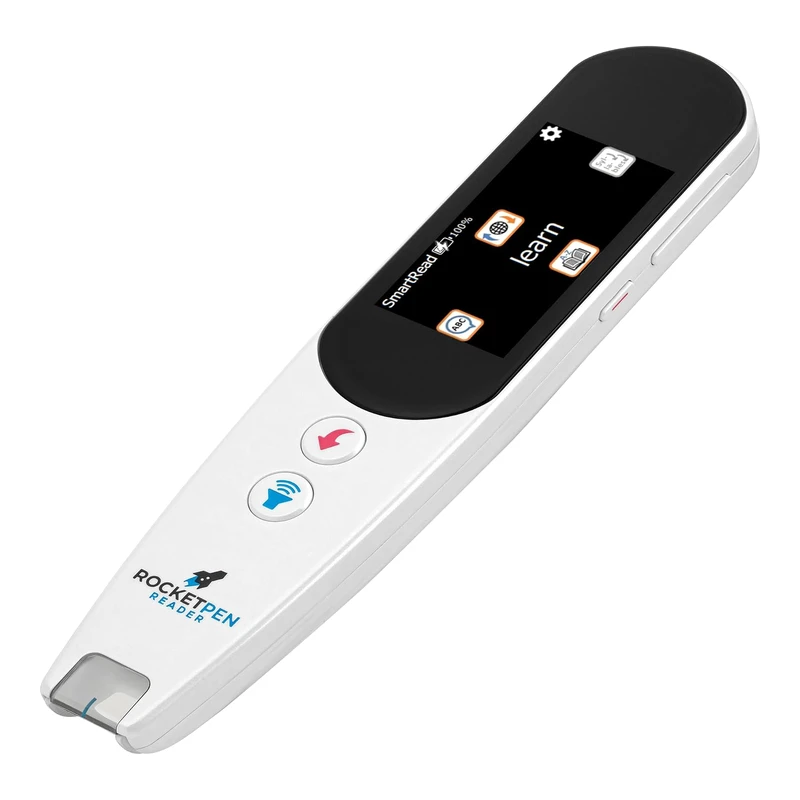 RocketPen ReaderStandalone reading tutorView details →
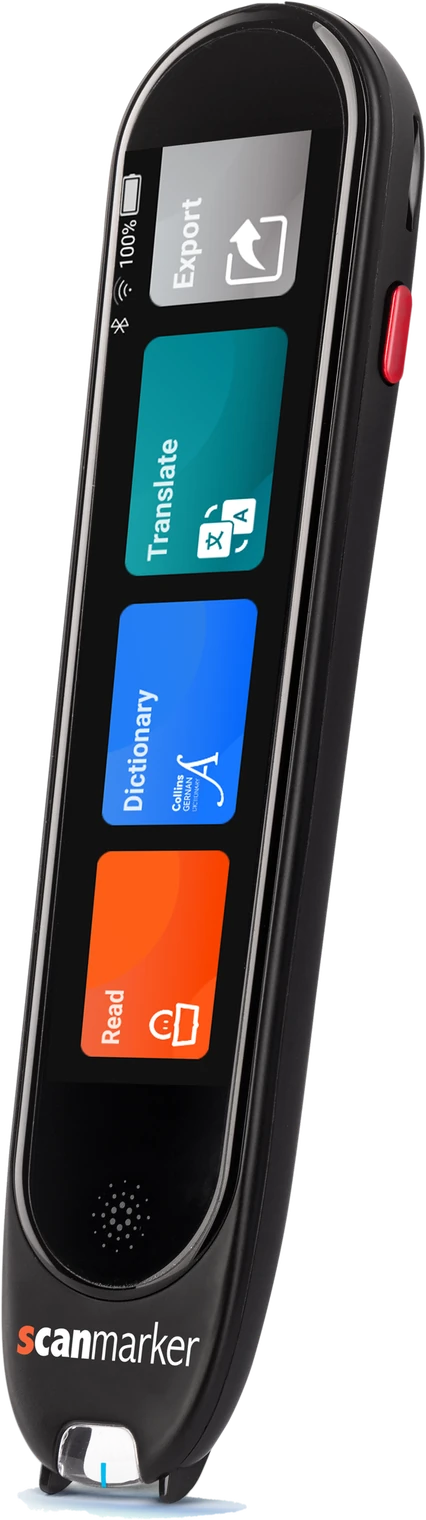 Scanmarker ProStandalone touchscreenView details →
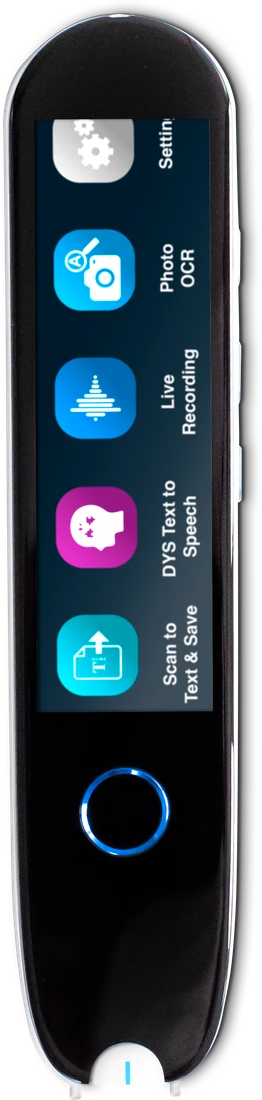 IRISPen Reader 8Standalone touchscreenView details →
Frequently asked questions
Why do SLPs prefer handheld scanning pens over tablet apps?
Handheld scanning pens work directly on physical books and paper worksheets without the distractions, app notifications, or Wi-Fi security issues associated with tablets. They also travel easily in a pencil case between therapy and class.
Can an SLP or OT recommend a reading pen as part of an IEP?
Yes. Under the Individuals with Disabilities Education Act (IDEA), therapists can recommend assistive technology assessments and include scanning pens as designated accommodations in an IEP or 504 plan.
How does multi-sensory reading (audio + visual) assist literacy therapy?
Hearing the text read aloud while the eyes track it gives the reader two routes to the same word. Many therapists use this to support phonetic decoding and word recognition and to reduce cognitive load, but results vary by learner and no pen replaces therapy.
Is the C-Pen Reader 2 safe for HIPAA and school privacy compliance?
It can help. Our catalogue lists the C-Pen Reader 2 as a standalone pen with offline OCR, so text is processed on the pen itself. Whether you are HIPAA or FERPA compliant still depends on your organisation's policies, so check with your privacy officer.
Does using a reading pen make a clinic or school HIPAA or FERPA compliant?
No device makes an organization compliant on its own. A pen that works offline may reduce data-sharing risk, but compliance depends on policies, how the device is used and what is stored. Ask your privacy officer or school district to confirm that a specific pen and setup meet your requirements.
Can a reading pen replace speech or occupational therapy?
No. A reading pen is an assistive tool that gives access to print, and it does not replace assessment, therapy or instruction from a qualified professional. Results vary from person to person, so talk to your clinician about how a pen fits into an overall plan.
How do I choose a reading pen for a child in therapy?
Start with the child's goals, hand function, age and setting, then match them to a pen's size, display, offline features and exam status. Try the pen in a short trial and record how it goes. Involve the family, the teacher and your clinical team in the final decision.
Will insurance or Medicaid pay for a reading pen?
Sometimes, but there is no guarantee. Coverage depends on the plan, the state, the diagnosis, and the documentation a clinician provides. Many reading pens are treated as educational items by insurers. Check with your insurer or Medicaid office before you buy, and see our coverage guide for the usual steps.
Are reading pens allowed in exams for clients with accommodations?
Only specific exam-approved models and modes are allowed, and rules differ by exam provider and country. Approval for an accommodation also usually requires a formal process. Ask the exam centre, school or testing organization well in advance whether a particular pen is permitted.