Translation Pens for Language Learners: Accelerate ESL, Bilingual Reading & Vocabulary
Short answer: Translation pens help language learners and ESL students by scanning printed foreign text to provide instant audio pronunciation and dictionary definitions. Standalone pens like Scanmarker Pro read aloud offline in several languages, and IRISPen Air 8 adds a screen and Bluetooth, so you can read anywhere; translation itself usually needs an internet connection.
Key takeaways
- A translation pen is a handheld scanner that reads a printed word or line, recognizes the text with OCR (optical character recognition), and then shows or speaks a translation, definition or pronunciation.
- For language learners, the biggest benefit is the "micro-lookup": you check one unfamiliar word in about a second and keep reading, instead of reaching for a phone or a paper dictionary.
- Offline dictionary pens work without Wi-Fi but cover fewer languages. Cloud translation pens cover 100+ languages but need Wi-Fi or a phone hotspot for most of them.
- No translation pen replaces a teacher or a grammar course. It speeds up vocabulary and pronunciation practice on real printed material.
- Translation pens are usually not allowed in exams. Check the rules with your exam centre, school or test provider before bringing any scanning pen.
The Cognitive Linguistics of Instant Printed Translation
When reading literature, news, or textbooks in a second language, comprehension collapses when readers encounter frequent unknown vocabulary. In traditional study methods, stopping to flip through a bilingual paper dictionary or typing a word into a smartphone translator destroys cognitive reading momentum.
Handheld translation pens eliminate this friction through "micro-lookups." By sweeping the scanner tip over an unfamiliar foreign word or idiom, the learner receives instantaneous audio pronunciation and definition in under a second. The student stays immersed in the narrative flow without digital screen distraction.
In plain terms, a translation pen keeps your eyes on the page. You lose a few seconds per word instead of a minute, so you are more likely to finish the paragraph and understand the story, which is what makes new vocabulary stick. If you are new to the technology, our guide on what a pen scanner is explains the basics in a few minutes.
What is a translation pen and how does it help language learners?
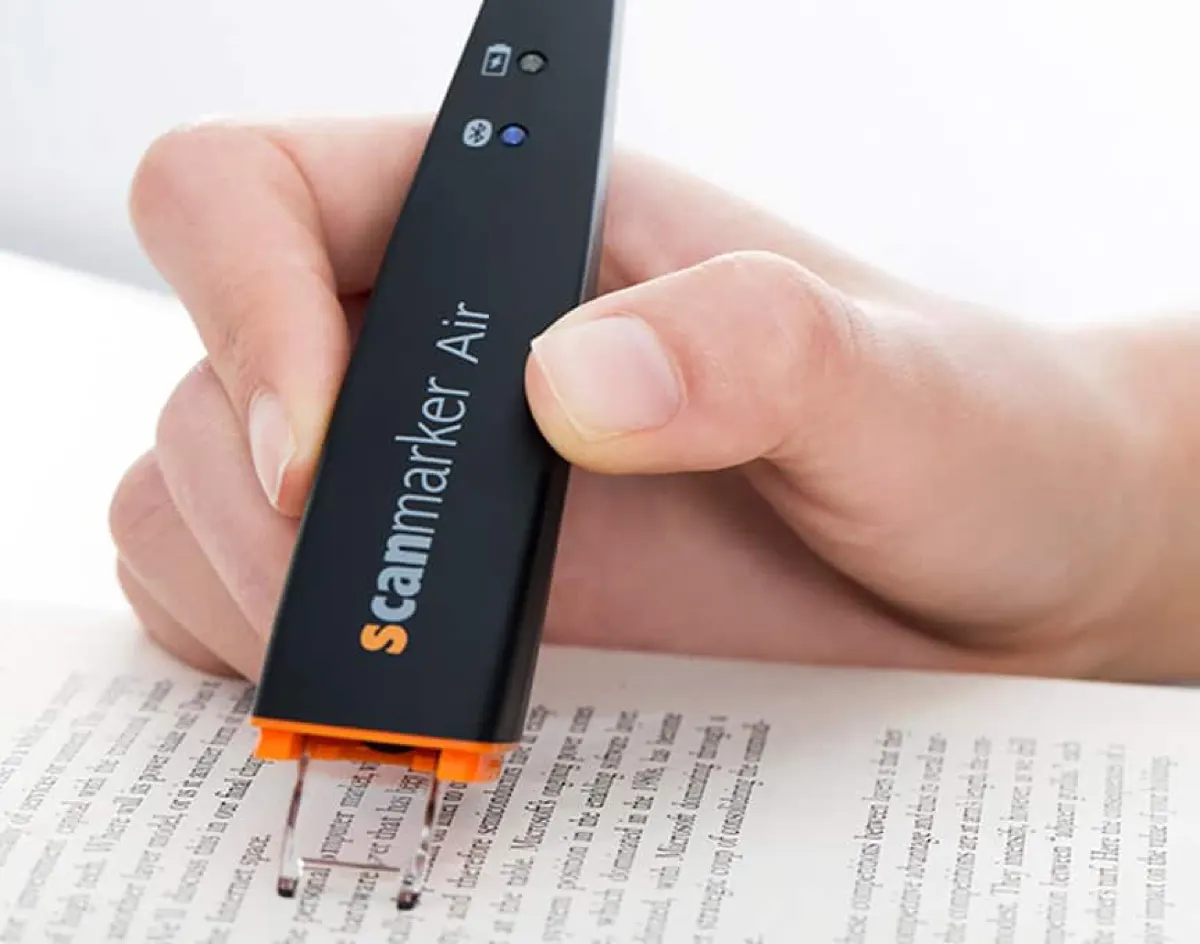
A translation pen is a pen-shaped scanner with a small camera at the tip. You slide it across printed text, the pen recognizes the letters using OCR, and it then translates the text, looks up a definition or reads the text aloud. Some models do all of this on the device, while others send the text to the cloud.
For language learners, a translation pen is useful in four main ways:
- It gives a quick meaning for an unknown word without leaving the page.
- It plays a native-style pronunciation so you hear the word as well as see it.
- It works on any printed material: textbooks, novels, menus, worksheets, labels and exam practice papers.
- It has no notifications, so there is less temptation to switch apps while studying.
The category is wider than most people expect. Our overview of translation pens and the translation pen category page show the full range. This guide focuses on how learners and ESL (English as a Second Language) students can get the most from them.
Bimodal Auditory & Visual Reinforcement for Pronunciation
Second-language learners often struggle with the disconnect between foreign orthography and authentic phonetic pronunciation—particularly in languages with non-phonetic spelling like English or character-based systems like Chinese and Japanese.
High-quality translation pens utilize neural text-to-speech synthesis trained on native speakers. Students hear correct syllable stress, vowel elongation, and intonation through headphones or built-in speakers while simultaneously viewing the translated text on the pen’s display. This bimodal sensory feedback accelerates accent reduction and phonetic mastery.
"Bimodal" simply means using two senses at once: hearing and seeing. Many learners find that hearing a word while looking at its spelling helps them connect the two. How much a pen speeds up your progress depends on you, so treat it as a practice aid and keep listening to real speakers as well.
Spelling in English is a good example. Words such as "though," "through" and "tough" look similar but sound different. Scanning each one and listening to the pen read it aloud gives you a reliable model to copy. The same idea helps readers who use reading pens for decoding support.
Offline vs. Online Translation: Vocabulary Depth, Speed & Security
Language students must understand the crucial distinction between offline embedded dictionaries and cloud-connected neural translation:
Offline Embedded Dictionaries (e.g., Scanmarker Pro): Contain licensed dictionary databases (the catalogue lists a Collins English dictionary on the Scanmarker Pro) stored directly on the pen’s internal solid-state memory. They translate words and core phrases in zero-latency offline mode, making them ideal for classrooms, flights, and internet-restricted environments.
Cloud Neural Translation (e.g., Scanmarker Pro, connected apps): Leverages high-speed cloud translation engines across 100+ languages. When paired with Wi-Fi or a smartphone hotspot, these pens handle complex idioms, technical jargon, and full paragraph contextual translation with remarkable fluency.
Which should you choose? Use offline dictionary pens when you mostly look up single words in a few major languages and want to study anywhere. Use cloud translation pens when you read in less common languages, translate whole sentences, or want help with idioms. In our catalog, Scanmarker Max and IRISPen Reader 8 list reading languages that work offline, while Scanmarker Pro lists 100+ translation languages online.
Privacy is a second reason to care. A pen that works fully offline does not send your scanned text anywhere, which matters for school materials and private documents. If you work with sensitive pages, see our comparison of reading pens and OCR pens for how each type works.
Offline or online translation pen: quick decision guide
Choose an offline dictionary pen if you study in places without reliable internet, and choose an online translation pen if you need many languages or full-sentence translation. Many learners end up wanting a mix: a few offline languages for daily study and cloud translation for the rest.
| Question | If you answer yes | What to look for |
|---|---|---|
| Do you study on planes, buses or in classrooms without Wi-Fi? | You need offline lookups | Embedded dictionaries and offline reading languages |
| Do you read in a less common language? | You need cloud translation | A large online language list (100+) and Wi-Fi or hotspot access |
| Do you translate whole sentences or paragraphs? | You need neural machine translation | Sentence translation, not only word lookup |
| Do you need to keep scanned text private? | You need on-device processing | A fully offline pen such as IRISPen Reader 8 |
| Do you want a dictionary with definitions, not only translations? | You need an embedded dictionary | Named licensed dictionaries (for example Collins) |
Language Learner Hardware Comparison Matrix
Compare the core language specifications across leading translation and reading devices:
| Device Model | Offline Languages | Online Languages | Dictionary Databases | Best Educational Role |
|---|---|---|---|---|
| Scanmarker Pro | Word lookup offline | 100+ languages online | Multilingual licensed dictionaries | ESL high school & university students |
| Scanmarker Max | Offline reading in several languages; 100+ translation languages online | Extended online sync | Collins & bilingual lexicons | Independent immersion & exam prep |
| C-Pen Reader 3 | English, French, Spanish, Italian, German (offline reading) | Offline dedicated | Collins English & bilingual dictionaries | Focused ESL & dyslexia reading support |
| Scanmarker Air | PC-connected translation | 100+ via desktop/web app | Google / DeepL cloud engine sync | Foreign language research at computer desk |
A few notes on reading this table. Language lists change with firmware and regional editions, so confirm the exact languages on the product page before you buy. In our catalog, C-Pen Reader 3 lists five offline reading languages (English, French, Spanish, Italian and German) with a longer list online. Scanmarker Air is a connected pen: it sends scanned text to your computer or phone and needs that device for translation.
Which translation pen is best for my language learning goal?
The best pen depends on the language pair, the budget and whether you need exam-style reading practice, travel use or a bilingual dictionary. The shortlist below uses the specifications and price bands from our catalog rather than new price quotes. Price bands show a typical range, so check current prices before you buy.
| Learning goal | Pen to consider | Why | Price band |
|---|---|---|---|
| English and Chinese learners | Youdao Dictionary Pen 3 | Offline-first with large English-Chinese dictionaries (4M+ entries listed); Spanish on the Global edition | $200–399 |
| ESL and Chinese/English study on a budget | iFLYTEK Smart Dictionary Pen | Word and short-paragraph scanning, Collins dictionary, offline pronunciation scoring | $100–199 |
| Foreign-language learners and EAL students who want a hybrid reader and translator | C-Pen Lingo 3 | 40+ translation languages, dictionaries, touchscreen, voice recorder | $400+ |
| Travel and bilingual reading with a full touchscreen | PenPower WorldPenScan Go | Text-to-speech in 57 languages, offline Collins dictionary, live interpretation (translation needs Wi-Fi) | $100–199 |
| Children and ESL learners who want an AI explainer | PenPower WorldPenScan AI Reader | Simplifies sentences, answers questions and builds vocabulary quizzes (needs Wi-Fi) | $100–199 |
| Budget translation and photo translation | VORMOR X5 Pro Reader Pen | Scan, photo and voice translation; two-way translation in 112 languages | $100–199 |
| Reader and translator with a screen plus Bluetooth | IRISPen Air 8 | More text-to-speech languages than the Reader 8; wide touchscreen | $200–399 |
To compare more models side by side, use the interactive pen comparison tool, or filter the pen shop by category and features. Note that our catalog lists IRISPen Air 8 as an online reader and translator that is not recommended for fully offline workflows. If offline use is essential, confirm the offline language list with the seller first.
High-Impact Language Study Techniques: Shadowing & Vocabulary Lists
To maximize fluency gains, language educators recommend integrating your scanning pen into active study routines:
The Audio Shadowing Technique: Scan a foreign sentence, listen to the native pronunciation through headphones, pause, and immediately repeat the sentence aloud, matching the pen’s intonation and cadence.
Vocabulary Harvesting & Spaced Repetition: Modern translation pens feature a "Favorites" or "History" bookmarking function. Students can star unfamiliar words while reading a chapter and export the resulting vocabulary list directly into Anki or Quizlet for flashcard retention.
Not every model offers a favorites list or export, so check the feature list first. If your pen has no export, you can still keep a paper notebook or type the words into your flashcard app once a week.
How do I study a foreign-language text with a translation pen, step by step?
Read the passage once without help, then scan only the words you cannot guess from context. This keeps your own reading skills working and uses the pen as a safety net, not a crutch. Follow these steps for a short article or textbook page:
- Read the whole paragraph once and underline words you do not know.
- Guess the meaning of each underlined word from the sentence around it.
- Scan the word with the pen and compare the translation with your guess.
- Listen to the pronunciation twice, then say the word aloud.
- Scan the full sentence and listen to it once, then repeat it using the shadowing technique.
- Star or write down the word in your vocabulary list.
- Re-read the paragraph without the pen and check what you now understand.
- Review your list the next day, then again after a few days.
The "guess first" step matters. Language teachers often suggest that learners infer meaning from context before looking something up, because that effort helps memory. If you skip it, a pen can turn into a fast way to avoid thinking.
Can a translation pen help with ESL homework and classroom reading?
Yes, a translation pen can help ESL students read assigned texts, as long as the school allows it. Students can scan unfamiliar words in textbooks, check pronunciation, and keep up with the class instead of falling behind on vocabulary.
Teachers and parents should keep a few points in mind:
- Ask the teacher whether pens are allowed in class and during homework. Policies differ by school and by task.
- Many translation pens are not approved for exams. Of the pens in our catalog that list exam approval, none are translation pens. See our guide to exam-approved reading pens for the rules.
- Pair the pen with a bilingual dictionary routine, so the child learns to look up words and not only to hear them.
- Schools sometimes fund assistive tools for eligible students. Read our guide on pen scanners for schools for how that process usually works, and ask the school what applies in your district.
Children who both learn English and struggle with reading may do better with a reading pen than with a pure translation pen. Our guide to the best reading pens for dyslexia explains that route.
What are the limits of translation pens for language learners?
Translation pens are best at words and short phrases, and they are weaker with tricky layout, handwriting and idioms. Knowing the limits helps you avoid frustration and wrong translations.
- Print quality: Glossy paper, stylized fonts, low-contrast print and handwriting are harder for any OCR pen. If a scan comes out garbled, re-scan slowly. Our pen scanner troubleshooting guide covers tilt, speed and glare.
- Idioms and context: Machine translation can miss the true meaning of an idiom or a joke. Treat any single translation as a strong hint and check it against context.
- Language coverage: Offline languages are limited, and some pens (for example Youdao Dictionary Pen 3 and iFLYTEK Smart Dictionary Pen in our catalog) are focused on English and Chinese pairs.
- Battery and connectivity: Budget pens may run only four to five hours per charge, and cloud translation needs Wi-Fi or a hotspot.
- Not a teacher: A pen does not explain grammar or correct your speaking. It supports vocabulary and listening practice only.
Common mistakes language learners make with translation pens
The most common mistake is scanning every unknown word before trying to understand it from context. Others include buying for the wrong language pair and expecting offline translation in a language the pen only offers online.
- Scanning too fast or at a steep angle, which causes missed or garbled letters.
- Choosing a pen without checking that your exact language pair is supported, offline and online.
- Relying on cloud translation in a place with no Wi-Fi.
- Never saving or reviewing vocabulary, so the same words get scanned again and again.
- Assuming the pen is allowed in a test or exam. Always ask the exam provider first.
Before you buy: what to check on a translation pen
Before you buy a translation pen for language learning, confirm the language pair, offline coverage, dictionary quality, battery life and exam rules. This five-minute checklist prevents the most common regrets.
- Write down your language pair (for example, Spanish to English) and confirm both scanning and translation support it.
- Check which languages work offline and which need Wi-Fi.
- Look for a named dictionary, such as Collins, if you want definitions and not only translations.
- Check whether the pen speaks the language you study, since text-to-speech language lists are often shorter than translation lists.
- Look at battery life if you plan long study sessions.
- Check for return and warranty terms, especially on low-cost pens.
- Confirm exam and school policies if you need the pen at school.
Who is a translation pen for, and who should skip it?
A translation pen suits learners who read a lot of printed material in a second language. It is less useful for learners who mostly study on screens or who need to take exams where devices are banned.
- Good fit: ESL and EAL students, university students reading foreign-language textbooks, adult learners who read novels and newspapers in print, and travelers who want to read menus and signs.
- Consider something else: Readers whose main need is read-aloud for decoding (look at reading pens), people who only need to type text into documents (look at OCR pens), and anyone who studies entirely on a phone or computer.
Language Learning & ESL Cross-Network Resources
Explore additional linguistics resources, translation benchmarks, and bilingual tools across our network:
- ScannerReader.co — Dedicated portal for bilingual reading pens, text-to-speech devices, and adult ESL tools.
- PenScanner.org — Benchmark comparisons of translation pen accuracy across European and Asian scripts.
- Translation Pens Guide — Comprehensive overview of translation pen technology and hardware architectures.
- Pen Scanners for Students — Study workflows for high school, college, and graduate students.
- Reading Pens Overview — Learn how text-to-speech audio improves comprehension across all ages.
Translation pens on Amazon
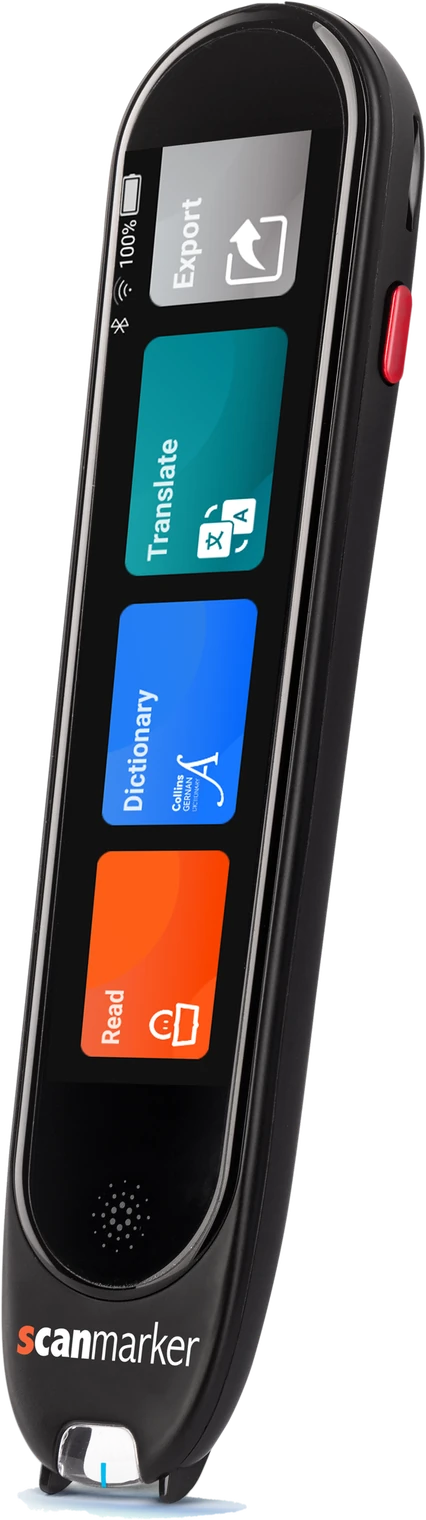 Scanmarker ProStandalone touchscreenView details →
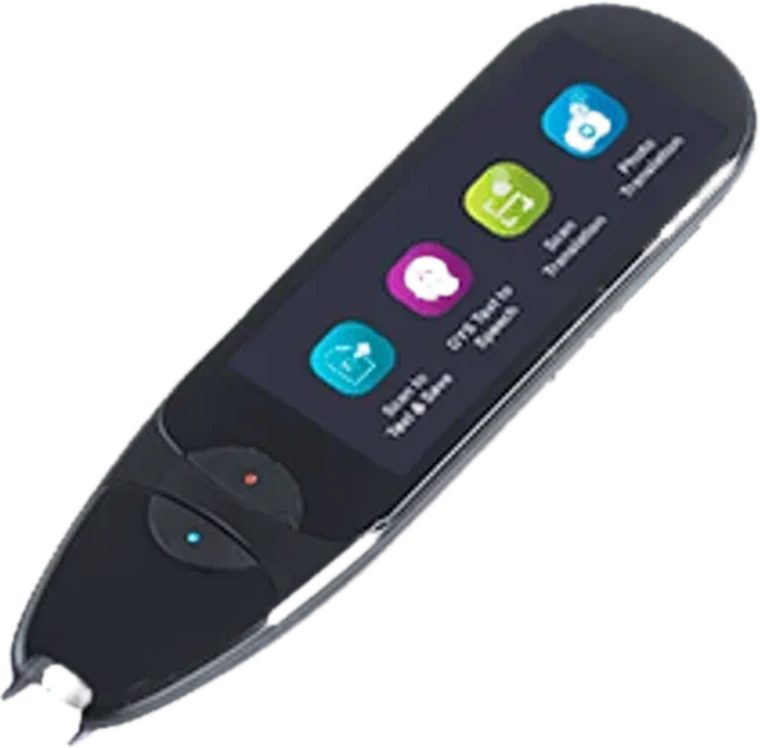 IRISPen Air 8Standalone translation penView details →boeleo Translation PenStandalone translation penView on Amazon →
Frequently asked questions
Can a translation pen translate full sentences or only individual words?
Advanced translation pens can scan and translate continuous multi-word sentences and complete idioms, providing grammatically coherent translations rather than disjointed word-by-word substitutions.
Does a translation pen require Wi-Fi to operate?
Not for core languages. Scanmarker Pro and Scanmarker Max read aloud offline in several languages, but translation needs an internet connection. However, accessing rarer languages or complex 100+ language databases requires Wi-Fi or smartphone pairing.
Can translation pens read vertical text in Japanese or Chinese?
Selected modern translation pens include a vertical scanning toggle in their system settings to accommodate traditional Japanese, Chinese, and Taiwanese vertical typography.
How do language pens assist students preparing for the TOEFL or IELTS exams?
By providing instant pronunciation and definitions during practice reading tests, helping international students rapidly build academic vocabulary without phone screen distractions.
What is the best translation pen for learning a language?
It depends on your language pair, budget and need for offline use. English and Chinese learners often look at dedicated dictionary pens, while learners of many languages may prefer a cloud translator with 100+ languages. Use the comparison tool to check language coverage, and confirm the exact languages before buying.
Is a translation pen better than a phone translation app for studying?
A pen is faster for scanning printed lines, keeps you off notifications, and does not need an app open. A phone is more flexible for screens, photos and conversation. Many learners use both. Our pen scanner vs. phone guide covers the trade-offs in detail.
Can I use a translation pen in an exam or test?
Usually not. Translation pens and most standalone reading pens are not approved for tests, and translation or dictionary features are often prohibited. Only specific exam-mode pens are designed for approved use. Always ask your exam centre, school or test provider for their current rules before bringing any device.
Do translation pens work for children learning English?
Many do, but the pen must match the child's reading level and the school's rules. Some models add AI explanations or quizzes, though those usually need Wi-Fi. A parent or teacher should supervise, set vocabulary goals, and check that the pen speaks the language the child is learning.
How accurate are translation pens?
Accuracy depends on print quality, scanning technique and the language pair. Clean printed text usually scans well, while glossy paper, stylized fonts and handwriting cause more errors. Treat translations as a strong aid and verify important meanings in a dictionary or with a teacher, especially for idioms.