Reading Pens as Assistive Productivity Tools in Higher Ed and Work
Short answer: Optical reading pens help adult professionals, university researchers, and multilingual specialists process paper documents and contracts without decoding fatigue. Connected pens like Scanmarker Air capture citations directly into computer applications, while standalone models provide private, distraction-free reading during dense technical review.
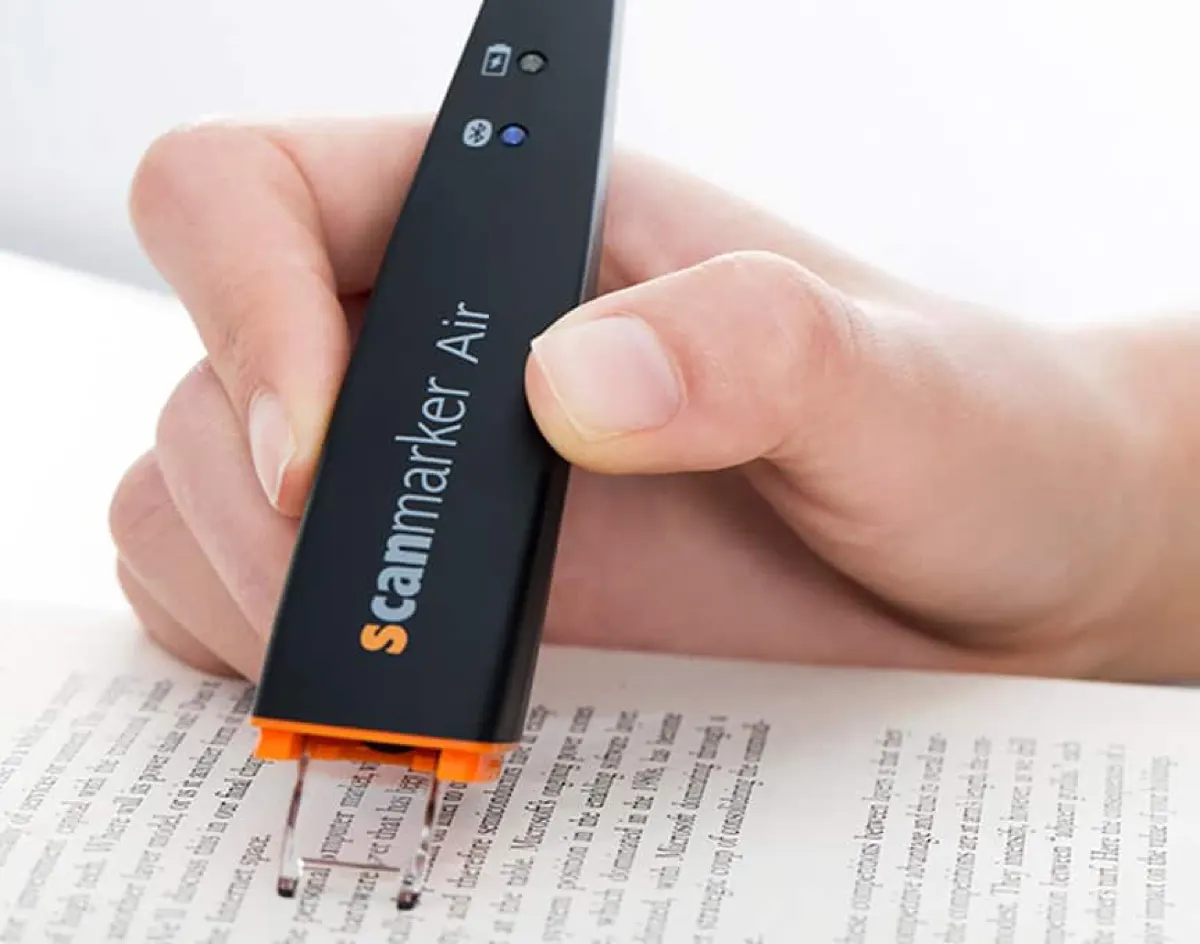
- This guide is about assistive reading tools: how reading pens support university students, researchers and employees who find print hard to read, and how accommodations work in higher education and at work.
- For everyday office productivity, such as typing quotes and figures into Word or Excel faster, see our separate guide to scanning pens for work.
- A connected pen like the Scanmarker Air types scanned text into the app on your screen, while standalone pens such as Scanmarker Pro and IRISPen Reader 8 read and translate on their own.
- Accommodation rules depend on country, institution and employer, so confirm approval with your disability office, HR team or testing centre before you rely on a pen.
- A pen supports reading. It does not diagnose, treat or replace professional assessment or specialist teaching.
The Information Density Crisis in Modern Professional Work
In law, healthcare, engineering, academia, and regulatory compliance, physical print remains unavoidable. Case files, clinical trials, technical manuals, architectural plans, and signed contracts still arrive on paper. For adult professionals managing dyslexia, ADHD, visual tracking strain, or non-native English documentation, processing hundreds of physical pages daily causes profound cognitive exhaustion.
Traditional flatbed desktop scanners require page disassembly, slow preview cycles, and subsequent PDF OCR software. Smartphone scanning apps require hovering a camera, capturing lighting-sensitive images, and exporting text files through cloud services. Neither method integrates seamlessly into an active desk workflow.
Optical reading pens solve this friction point by allowing the user to read physical print and capture key quotations, citations, and data points at the exact moment their eyes pass over the paper.
Connected vs. Standalone Workflows: Choosing Your Tool
Adult workflows divide into two distinct functional use-cases: active computer transcription vs. mobile document review.
| Workflow Requirement | Connected pen (Scanmarker Air) | Standalone pens (Scanmarker Pro / Max, IRISPen Reader 8) |
|---|---|---|
| Primary Task | Streaming text directly into desktop software | Independent reading, translation, and audiotextual review |
| Host Device Requirement | Must pair with Mac, Windows PC, iOS, or Android | Completely self-contained—zero computer or phone required |
| Typing Speed Equivalency | Types each scanned line into the active app | Speaks text instantly aloud through internal speaker or earbuds |
| Translation Scope | 140+ languages in the Scanmarker app (online) | Pro and Max: 100+ translation languages online, offline reading in several languages |
| Best Professional Context | Legal briefs, academic literature reviews, spreadsheet data entry | Travel, field inspections, conference reading, quiet library study |
Streamlining Higher Education Literature Reviews
Graduate students, legal researchers, and academics spend hours annotating physical books and library archives where digital copies are unavailable or restricted behind paywalls.
Using a connected scanner like the Scanmarker Air, researchers scan directly into reference managers (Zotero, Mendeley, EndNote) or writing environments (Microsoft Word, Google Docs, Scrivener): wherever the cursor is placed, the scanned quotation appears.
For university students qualifying for disability services under ADA Section 504, standalone pens like Scanmarker Max, with its administrator-controlled Exam Mode, can support independent reading in campus testing centers without an internet-connected laptop, subject to the testing center's approval.

Cross-Platform Integration: Mac, Windows, iOS, Android, and Chromebook
Scanmarker Air works with Windows, Mac, iOS, Android and Chromebook through the Scanmarker apps and web app, so people who move between operating systems keep the same scanning workflow.
Once connected, scanned text goes into the active field in Google Workspace, Microsoft 365 or a web form, without the photo-and-export steps of phone scanning apps.
Workplace Accommodations Under the Americans with Disabilities Act (ADA)
Title I of the Americans with Disabilities Act (ADA) protects employees with neurodivergent reading profiles, requiring employers to provide reasonable accommodations that do not impose undue hardship.
Providing an assistive reading pen is one of the most cost-effective accommodations a company can implement. Compared to hiring proofreaders or subscribing to complex enterprise software licenses, equipping an employee with a dedicated reading pen provides immediate autonomy, accelerates document review speed, and reduces stress, for a one-time equipment cost.
Note that the ADA covers employment and public services, while Section 504 is part of the Rehabilitation Act and applies to programs that receive federal funding, which includes most colleges and universities. Both are US laws, and details differ elsewhere, so ask your disability services office, HR department or a qualified adviser what applies to you. Nothing here is legal advice.
How is this guide different from scanning pens for work?
This guide focuses on assistive technology, meaning tools that remove reading barriers in higher education and at work. Our scanning pen for work guide focuses on productivity, meaning how any office worker saves typing time. Many people need both views, so the table shows where each guide helps.
| Question | This guide (assistive tools) | Scanning pen for work (productivity) |
|---|---|---|
| Main reader | Students, researchers and employees with dyslexia, ADHD, visual tracking strain or a second-language reading load | Any office worker who retypes printed text |
| Main goal | Reduce reading effort and support independent reading | Save typing time and move text into documents |
| Key topics | Accommodations, disability services, exam and testing centres, read-aloud | Word, Excel and email workflows, managed laptops, confidential documents |
| Typical pen | Standalone reading pen or connected pen, depending on the need | Connected pen first, standalone pen only if read-aloud or translation is needed |
Business teams buying equipment for departments may also want scanning solutions for business, which covers larger scanners and document workflows beyond pens.
Who benefits from reading pens in university and at work?
Reading pens most often help people for whom print creates extra effort: readers with dyslexia or ADHD, people with visual tracking strain, and non-native speakers working in a second language. They can also help people who simply read large volumes of paper.
- Adult readers with dyslexia: hearing a line read aloud can reduce decoding effort, so energy goes into meaning. See pen scanners for dyslexia and the best reading pens for dyslexia.
- Postgraduate and mature students: long reading lists, archive books and journals that are not available digitally. See pen scanners for researchers and pen scanners for students.
- Multilingual professionals: a pen can translate unfamiliar technical terms in a document you must read in a second language. See translation pens.
- Older workers and people with low vision: a reading pen can help with small print, although some readers need other aids. See reading pens for low vision and seniors.
How do you ask for a reading pen as an accommodation?
You ask by contacting your university disability services office or your employer's HR or accessibility contact, describing the barrier, and naming the tool that would help. Procedures differ, so treat these steps as a general outline and follow the process your organization gives you.
- Write down the specific task that is hard, for example reading printed contracts or long library books.
- Contact the disability services office (university) or HR or occupational health (employer).
- Provide any documentation they ask for, such as an assessment report or a letter from a clinician.
- Suggest a specific tool and why it fits, for example a standalone reading pen for reading aloud or a connected pen for capturing text into a document.
- Ask whether a trial period is possible so you can confirm the pen works with your documents and software.
- Check IT rules for Bluetooth, USB and software installs, especially on managed laptops.
- Ask about funding and ownership. Some organizations buy the device, and some individuals look into other support. See insurance and Medicaid coverage for scanning pens.
What should you check before choosing an assistive reading pen?
Check whether you need text typed into a document or read aloud, which languages you must scan, whether the device may be used in your setting, and whether confidential documents can be scanned safely. These four checks narrow the field quickly.
| Check | Why it matters | Where to look |
|---|---|---|
| Typed text or read-aloud? | Connected pens type into apps but rely on your device for speech. Standalone pens speak on their own. | Reading pen vs. OCR pen |
| Languages | Scanning, read-aloud and translation lists differ by model and by online or offline mode. | The product page for each pen |
| Exam or testing rules | Dictionary, storage and translation features often make a pen ineligible unless it is exam approved or locked. | Exam-approved reading pens |
| Data privacy | Fully offline pens such as IRISPen Reader 8 keep documents off Wi-Fi and the cloud. | Your employer's information security policy |
| IT compatibility | Managed devices may block Bluetooth pairing or software installs. | Your IT team |
For a broader list of features, read the pen scanner buying guide, browse reading pens, or use the comparison tool.
Can a reading pen be used in university exams and testing centres?
Only if the testing centre approves it. Standard reading pens usually contain a dictionary, stored text or translation, which most exam rules prohibit. Exam-approved models such as C-Pen Exam Reader 2 remove those features, and Scanmarker Max offers an administrator-controlled Exam Mode.
Because approval is decided by each centre, always request it in writing and bring any confirmation to the test. Do not assume a pen that was fine in class is fine in an exam.
Common mistakes when using reading pens in higher education and at work
- Choosing the pen before naming the barrier. Start with what is hard (decoding, tracking, language, typing) and match the pen to it.
- Buying a connected pen expecting read-aloud on its own. Connected pens depend on a host device.
- Skipping IT approval. Bluetooth and software rules on work or campus devices can block setup.
- Scanning sensitive documents carelessly. Follow your organization's confidentiality rules and consider an offline pen.
- Trusting OCR on numbers. Proofread figures and technical terms before relying on them.
Where to buy
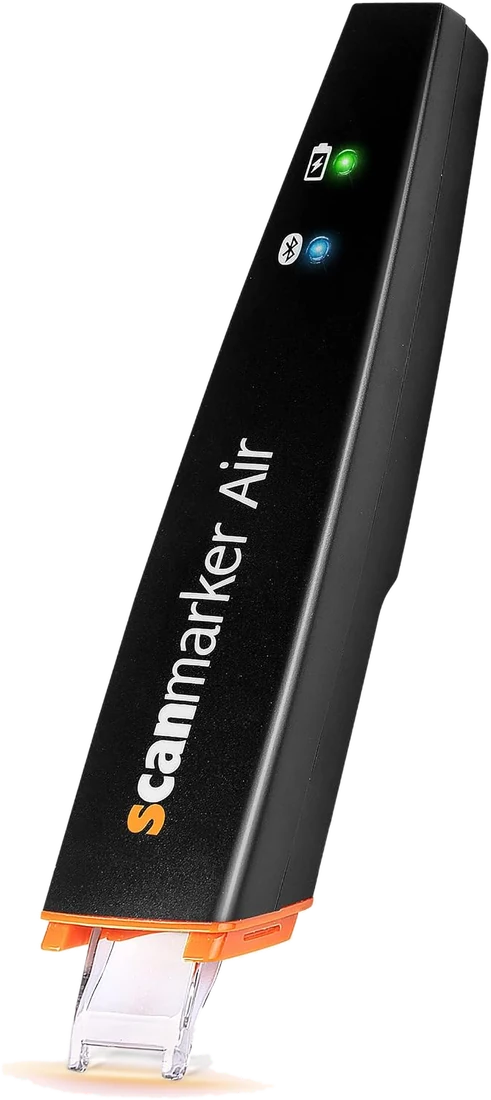 Scanmarker AirConnected (Bluetooth)View details →
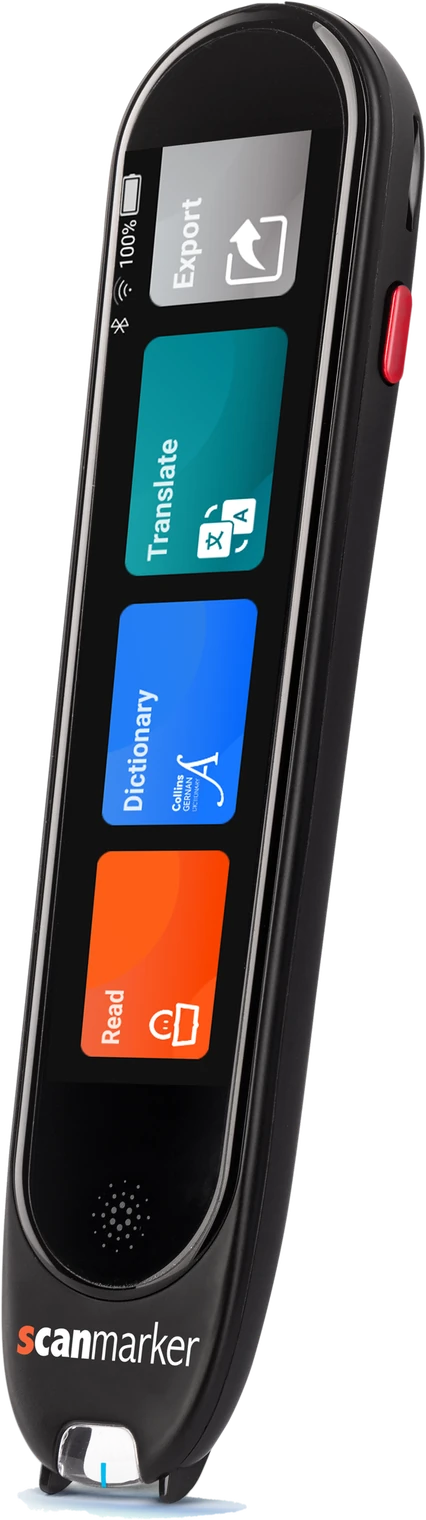 Scanmarker ProStandalone touchscreenView details →
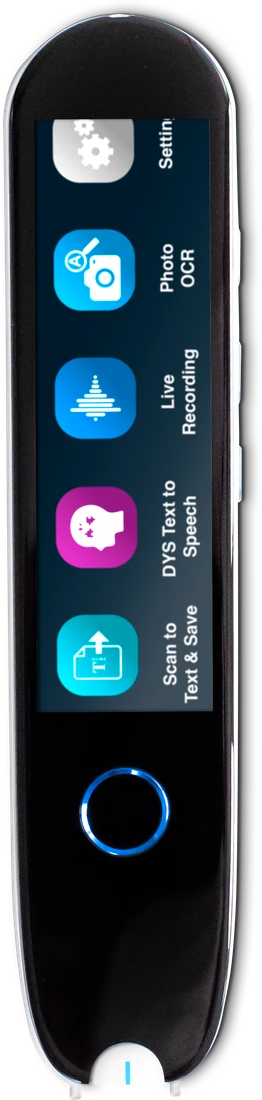 IRISPen Reader 8Standalone touchscreenView details →
Frequently asked questions
Can a connected pen scanner input text into specialized enterprise software?
Usually. With the Scanmarker app running, Scanmarker Air types recognized text into the field that has focus, so most software that accepts typed text will accept it. Test with your specific application first.
How accurate is optical character recognition on dense technical papers?
On clean, standard print, accuracy is high enough for quotes and data entry, but always proofread technical terms and numbers. Accuracy drops on small, glossy, low-contrast or decorative print and when scanning too fast.
Does the pen work with left-handed researchers?
Yes. Scanmarker's software has a left-handed scanning setting; check the setting in your model's app or menu.
Can the pen handle mathematical equations or non-Latin alphabets?
Scanmarker Air's app supports 140+ languages including Hebrew, Arabic, Cyrillic, Greek, Japanese, and Chinese. While simple arithmetic is recognized, complex multi-line algebraic formulas require specialized LaTeX OCR software.
Is a reading pen a reasonable accommodation at work?
It can be. In the US, the ADA requires employers to consider reasonable accommodations for employees with disabilities unless they cause undue hardship, and a reading pen is a low-cost option. Whether it applies to you depends on your situation, so ask HR and seek qualified advice.
Can university students get a reading pen through disability services?
Many disability services offices can recommend or provide assistive technology, but policies differ by institution and country. Contact your office, explain the barrier, provide any documentation they ask for, and ask whether they lend pens or can approve one you buy yourself.
What is the difference between this guide and the scanning pen for work guide?
This guide covers reading pens as assistive technology, including accommodations in higher education and employment. The scanning pen for work guide covers productivity, such as typing printed text into Word, Excel and email faster. Read both if you need accessibility and efficiency.
Do reading pens work for adults with dyslexia?
Many adults with dyslexia use standalone reading pens to hear printed lines read aloud, which can ease decoding fatigue. Results vary from person to person, and a pen is a support rather than a treatment. Trying a model before committing helps, where your employer or school allows it.
Which reading pen is best for confidential workplace documents?
A fully offline pen such as IRISPen Reader 8 is the usual choice because OCR runs on the pen with no Wi-Fi or cloud, and text is saved for export. Always follow your employer's information security rules before scanning confidential material.